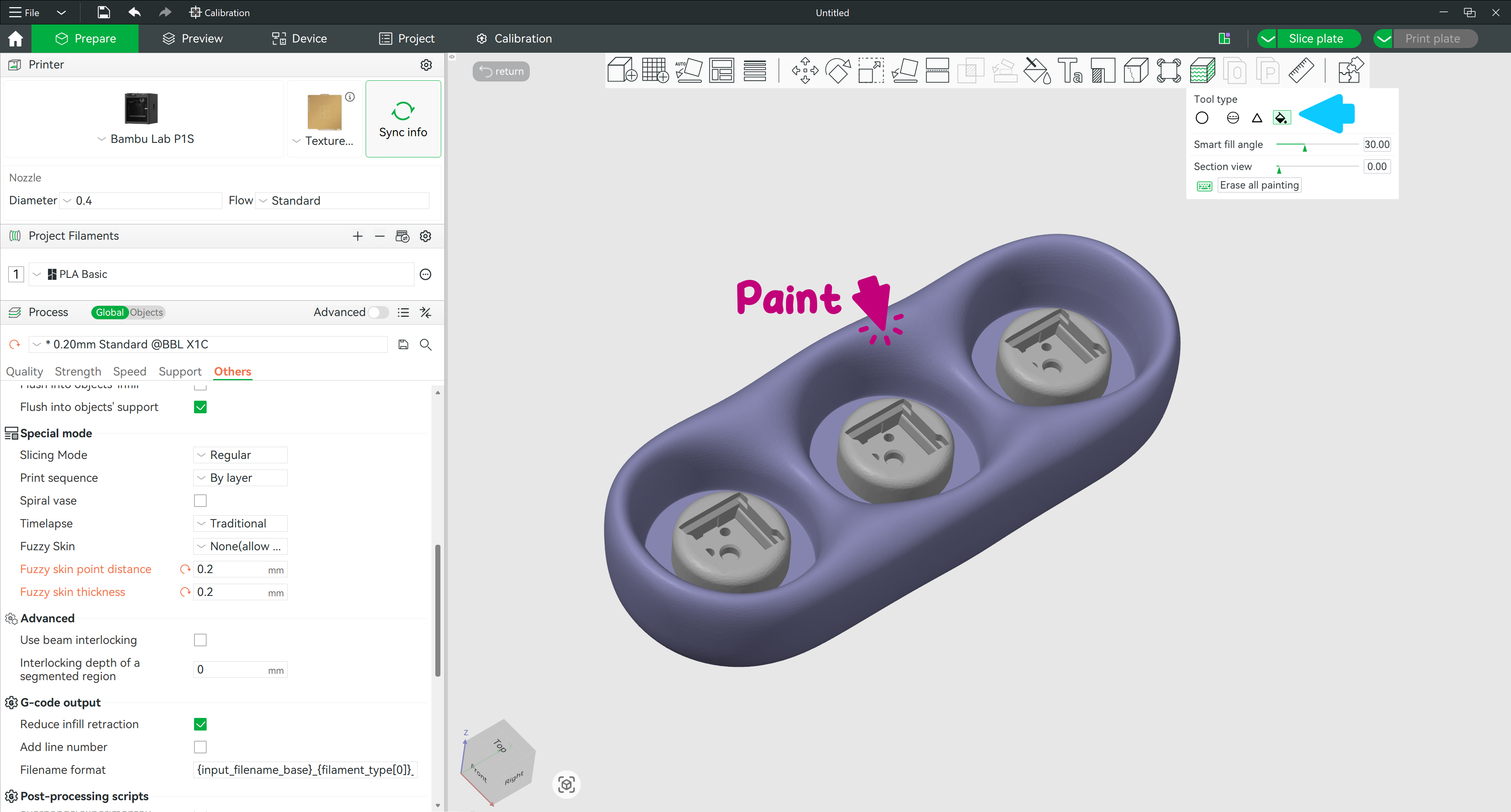
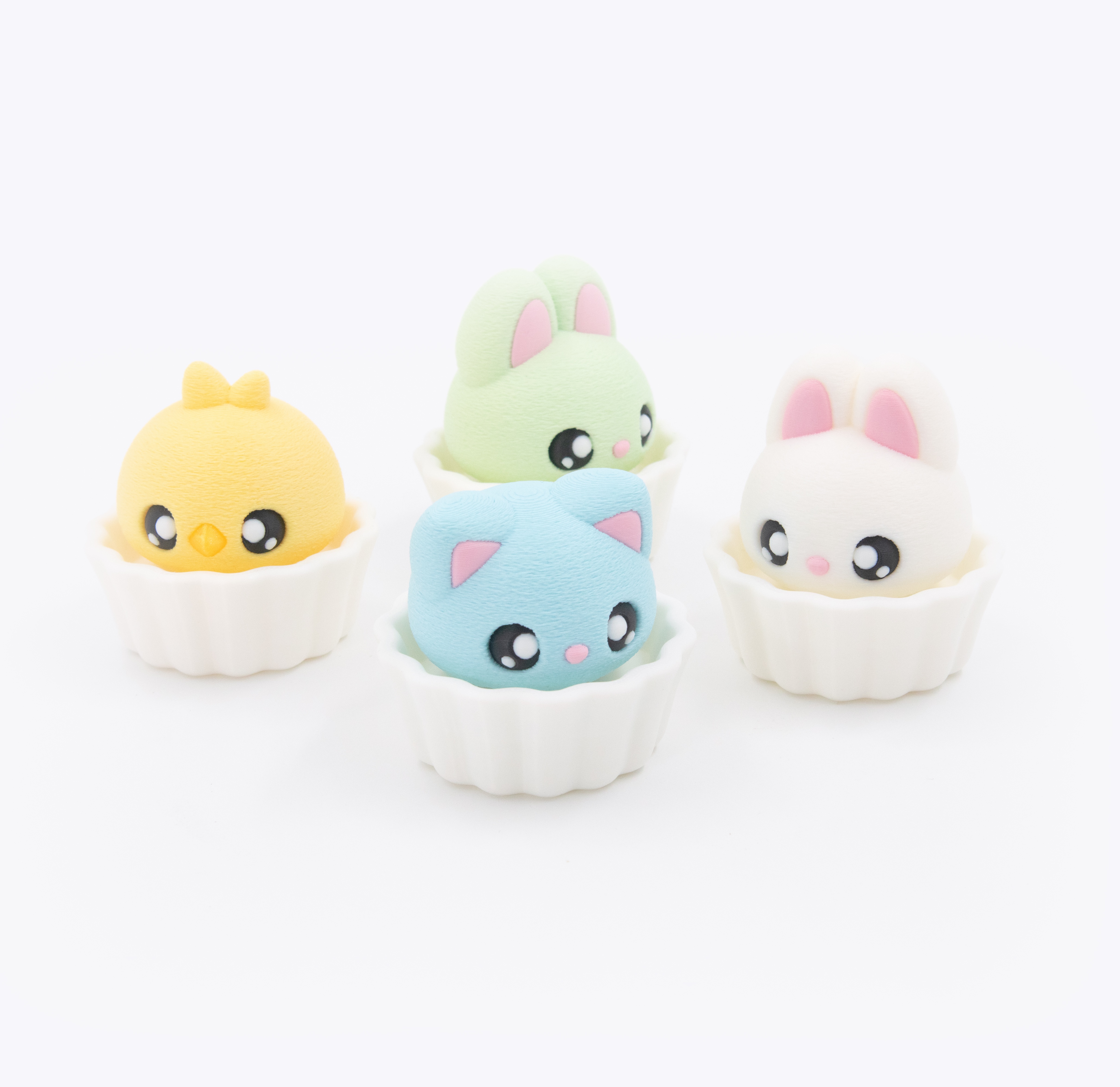
- 6 STL Files — 3 bases (Cupcake, Mochi, Tray) + 3 caps (Cat, Chick, Rabbit)
-
1 3MF File — pre-arranged with colour assignments ▾ preview
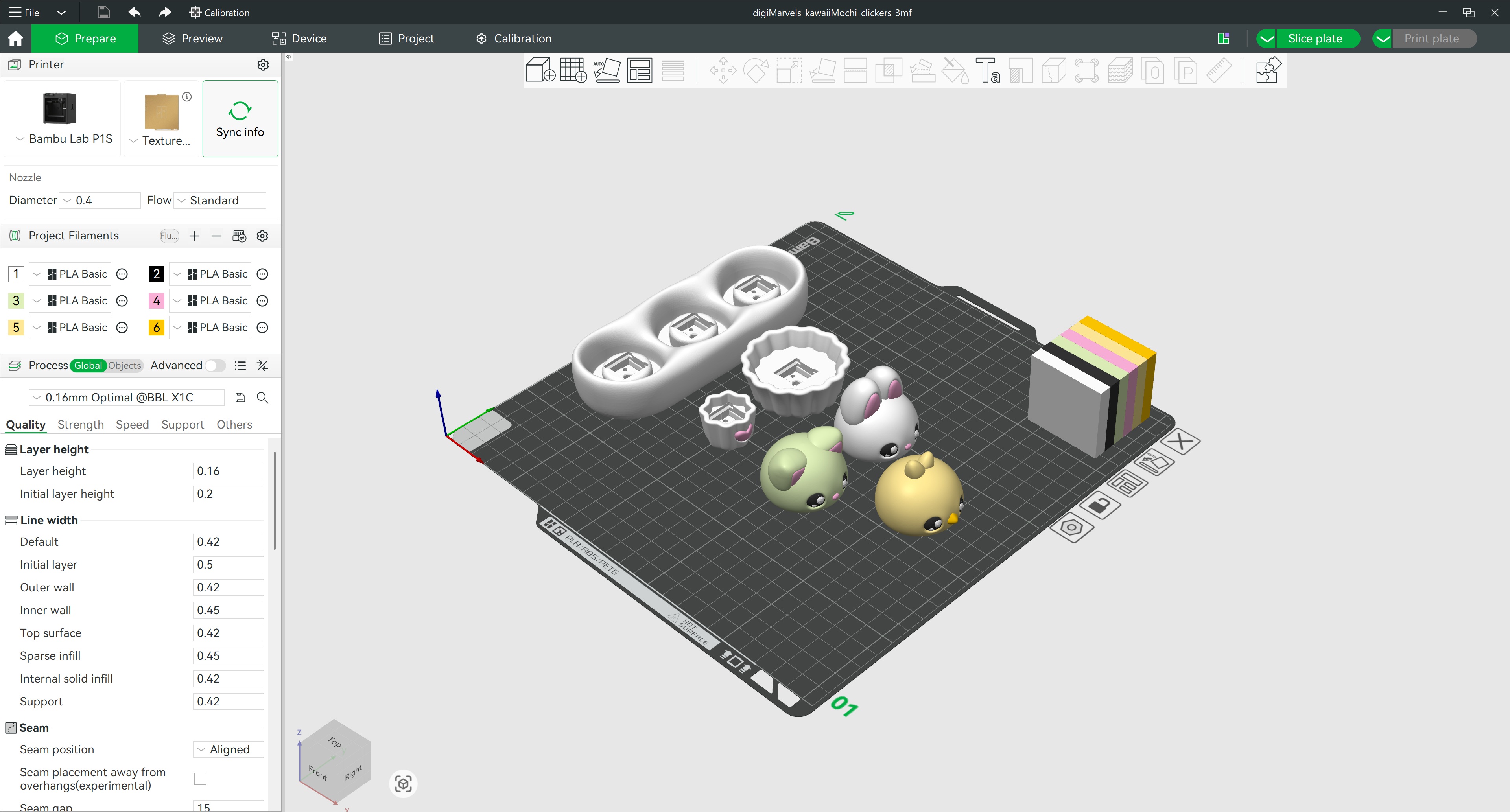 Click to enlarge
💡 New to 3D printing? Each clicker needs 2 parts — pick one base and one cap to make your combo.
⌨️ Switch required: You'll need a mechanical keyboard switch — it's what creates the click. Tested switches: Kailh BOX White (crisp, loud), BOX Jade (crunchier, louder), BOX Brown (quiet).
🧁 Assembly: I recommend adding a small drop of super glue to secure the clicker parts. Insert the switch into the base matching the switch pins to the base holes, then place the cap on top.